Skull Emoji Capcut Template – Hello friends, and welcome to this article. I am going to teach you how to create a highly trending video edit. Friends, you must have noticed that videos featuring skull emojis are going viral on social media these days. These videos are set to DJ remix tracks and exude a bold, full-of-attitude vibe, making them look incredibly attractive and unique. So, if you would like to create your own skull-themed video, you simply need to read this article. I am providing a template here specifically for this skull editing style, and by using this template, you can easily create your own skull emoji video edit. Let me show you how it’s done.
Details Of Skull Emoji Capcut Template
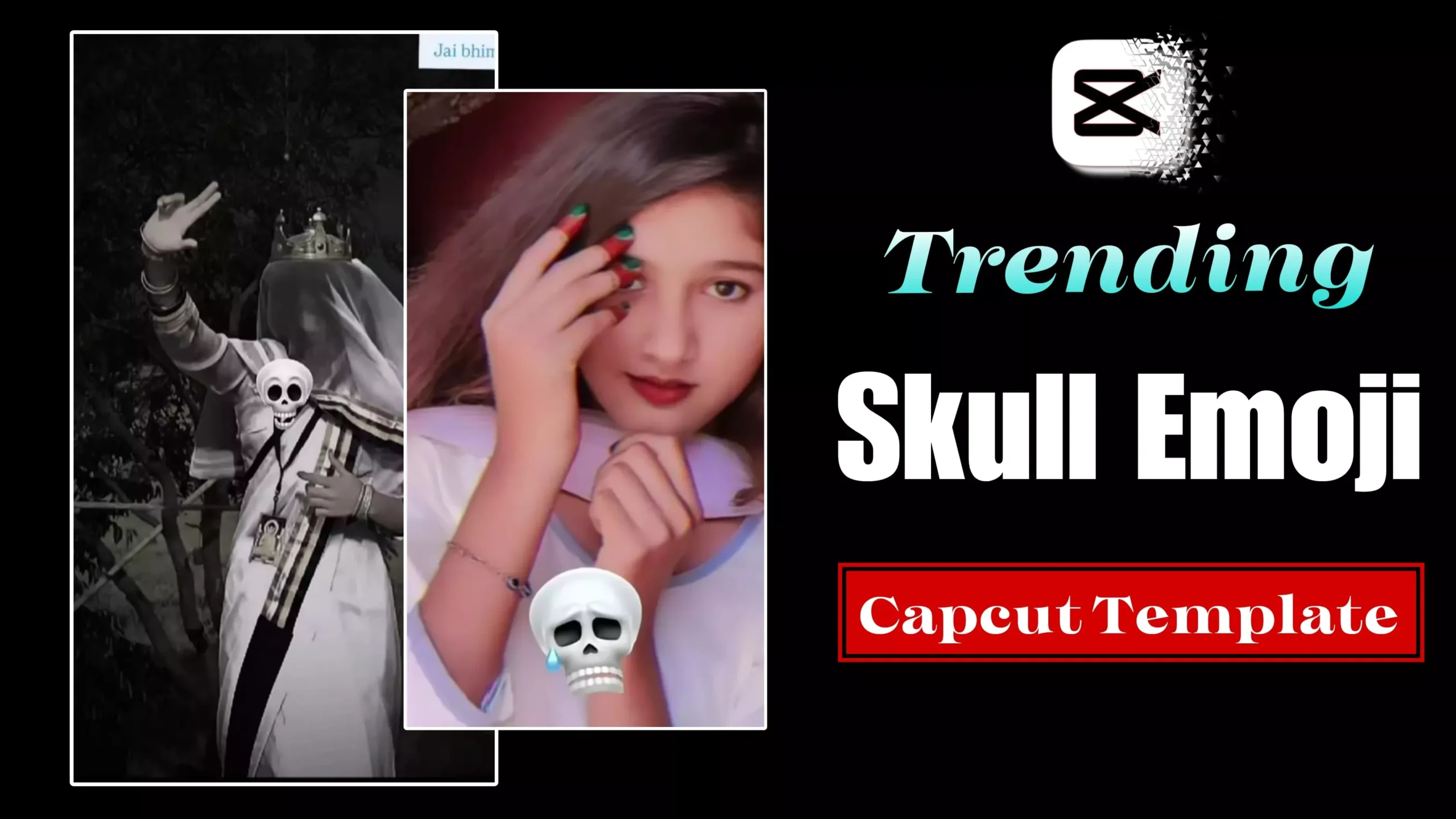
Speaking of this editing style, it features two distinct clips. The first consists of a standard photo or video, followed by a second clip—introduced via a transition effect—that exudes a bold, “attitude-filled” vibe. Both clips feature a skull-face emoji: a standard version in the first clip, and an attitude-laden version in the second. This editing technique serves to demonstrate that one can transform from a “normal” persona into someone with a strong, confident attitude. Regarding the specific editing effects used, this style incorporates both “shake” effects and “vibration” effects. The sequence begins with the standard video footage; however, once the second clip appears, it features the application of all these effects, along with the use of a black-and-white filter.
What You Need To Do This Editing
To perform this edit, you will need two clips. I am providing you with a template that utilizes exactly two clips. You are free to use either videos or photos—whichever you prefer. Currently, most people are opting to use photos, so you can certainly do the same. For the first slot, you should use a standard, normal photo; for the second, use a photo that conveys attitude or is particularly striking, ensuring your video aligns perfectly with the current trend. Alternatively, you may choose to use video clips instead. I am now providing you with this template, and in the following paragraph, I will explain exactly how to use it.

How To Use Skull Emoji Capcut Template
Friends, using this template is incredibly simple—let me show you how. First, you can open the template directly in CapCut by clicking the “Check Template” button. If you don’t have the CapCut application installed, please install it first, and then open the template. You will now see a preview of the template along with a “Use” button located at the bottom; click on this button to add your video clips. Next, click the “Next” button and wait for just a few moments. The template will automatically edit and finalize your video, after which you can save it.
Conclusion
We hope you really like this skull emoji editing template and that you are able to easily understand the process to edit your own video. If you wish to create more trending edits like this, please visit this website; we will teach you various new editing techniques. Friends, we are not the owners of this template; these are official CapCut templates, and we have simply shared the link. Furthermore, we are not affiliated with CapCut.