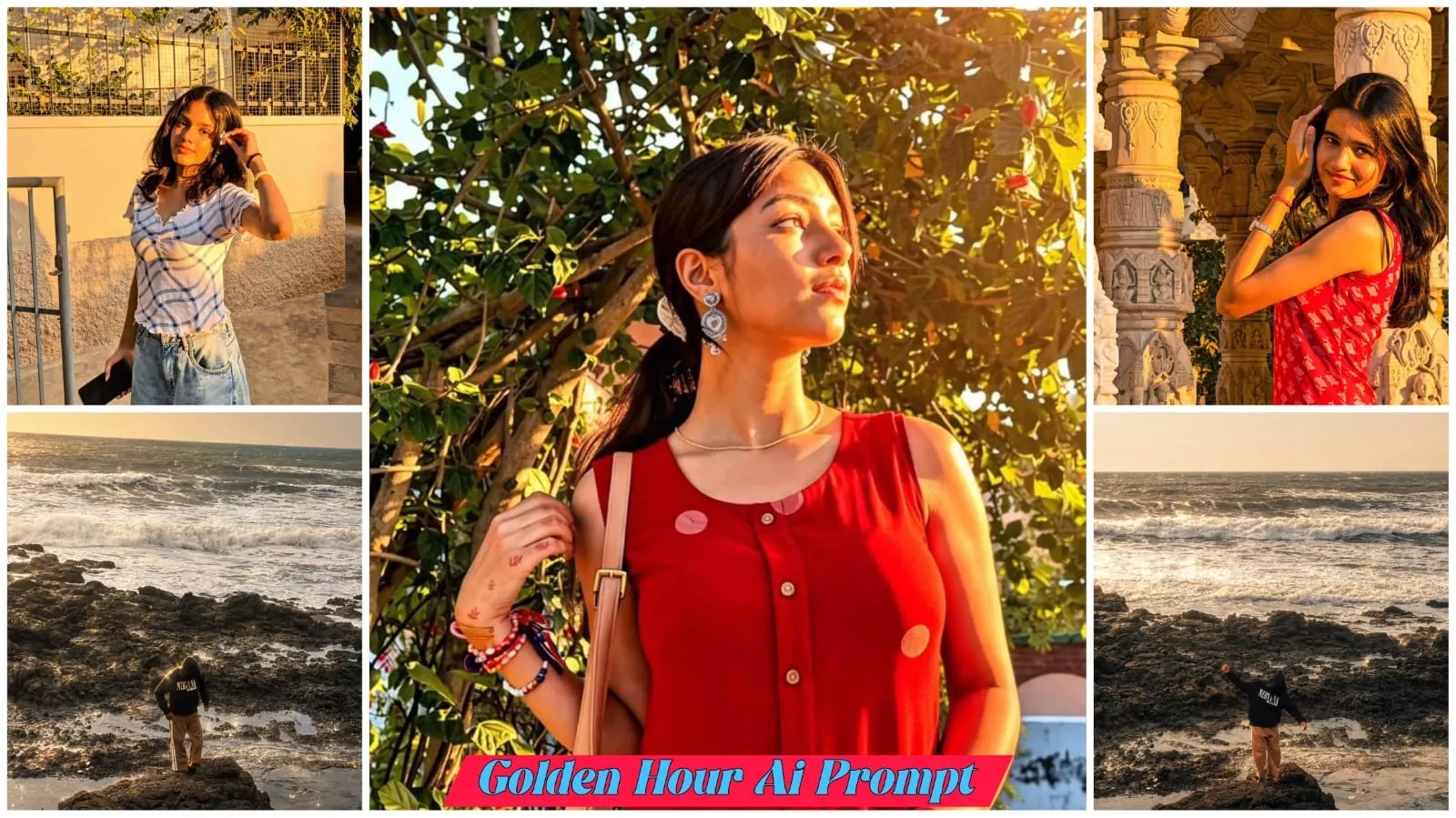
Viral Golden Hour Ai Photo Editing Prompts – Hello everyone! Since you likely use Instagram, you’ve probably noticed that “Golden Hour” style photos are currently going viral. I’m going to show you how to create this viral photo edit; I’ll provide the best prompts so you can generate these images easily and without much effort. I’ll also share tips on how to make your photo go viral—using the right hashtags and strategies—so let’s dive right in and learn how to create this edit quickly and easily.
What is photo editing
And what is there in this template, what is there in this photo that everyone wants to create it and everyone likes this photo. Nothing much. It has a viral golden hour photo and in it a golden hour like sunset effect reflects on you and this is the golden hour and people get into trouble while adding this glowing effect and without the help of an eye they are not able to create it. So for this I am going to give you the best prompt, through which you can create it very easily and you will not have to work hard. That is why I am telling you.
Best Ai Tool Selection
We are going to suggest the best AI tools so you can select the right one to make your photos go viral. We will also highlight which tools are currently most popular for creating images and which ones are generating viral content. There are several AI tools—such as Google Gemini, ChatGPT, and Leonardo AI—that make photo creation incredibly easy, requiring minimal effort on your part. These tools feature user-friendly interfaces that are simple to understand, allowing you to create images and achieve viral success with ease.
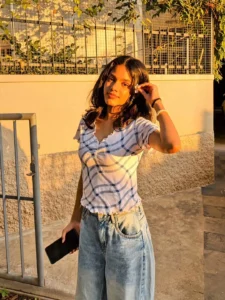
Enhance this exact uploaded photo while preserving the person's facial identity, hairstyle, skin tone, outfit, pose, accessories, and background exactly as in the original. Add soft golden-hour sunlight gently falling on the face from the upper-right side with natural warm highlights and realistic skin tones. Create beautiful warm backlighting behind the subject with subtle sun rays passing through the tree leaves, soft lens flare, glowing bokeh, and cinematic volumetric light. Increase overall warmth, contrast, clarity, and dynamic range while keeping the edit natural and ultra-realistic. Preserve all original details without changing the face or body. Professional DSLR color grading, HDR, realistic shadows, premium outdoor portrait, golden hour, 8K ultra-detailed, photorealistic.

Glad Create soft. etherea studio lighting with warm golden tones. Add diffused sunlight coming from the side, casting gentle soft-edged shadows on the face. Maintain smooth, creamy skin highlights, slight bloom/glow around bright areas, and a hazy cinematic atmosphere. Keep the contrast low, whites glowing, and overall mood dreamy, warm, and angelic. Preserve natural skin texture while adding a subtle glossy sheen.
How to Create Image With Viral Golden Hour Ai Photo Editing Prompts
Now that we know how to use and create this type of image, here is how you go about it: simply go to ChatGPT and paste the prompt I have provided. After pasting the prompt, upload a photo of yourself—specifically one where your face is clearly visible and 100% real (avoid using AI-generated faces, as they won’t match correctly, and don’t use photos with masks or similar obstructions). Once you’ve uploaded the photo, hit “Generate,” and your image will be ready in moments. You’ll be amazed to see that—without any strenuous effort or complex prompting—your image is ready just by uploading a single photo; achieving such a result with just one click is truly impressive.