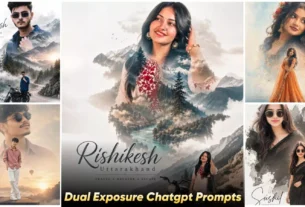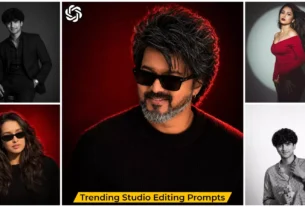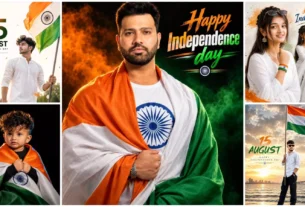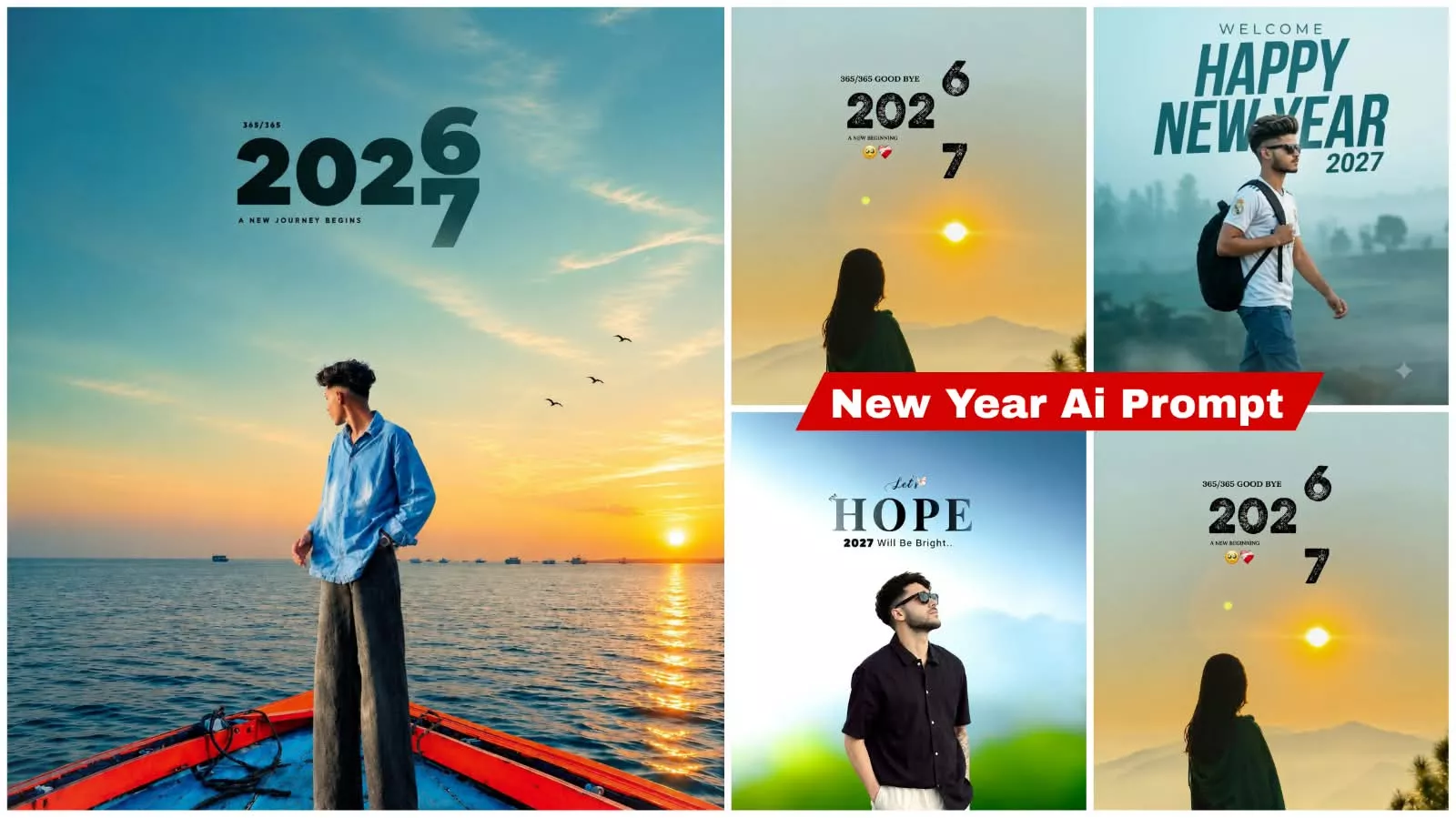
Happy New Year Ai Photo Editing Prompts – Friends, as you might have seen, these types of photos are currently going viral. I’m going to show you how to create these viral-style images—specifically for the upcoming New Year. Learn how to prepare them now using a very simple method so you can share them and make them go viral. It’s incredibly easy to create these New Year-themed photos; by learning the process now, you’ll be all set to prepare and share them easily when the time comes.
Why Is This Photo Going Viral
And you must have noticed and wondered why these types of photos are going viral. There’s not much of a secret to their virality, but a simple one. If you want to create such a viral video for free, without much effort, here’s what you need to do first. What kind of viral video photos are going viral? I’ll tell you why they’re going viral. The secret behind these viral photos is that they’ve gone viral because New Year’s is just around the corner, and you can prepare them in a very simple way for the New Year and make them viral. It’s easy to prepare such video photos for the New Year and make them viral for free. Whenever you see such viral photos, they’re viral because they’re prepared in a very simple way and they do go viral.
Pro Editing Tips
You’ve learned why certain photos are going so viral. So, today you’ve learned about the virality. But first, you need to know why this type of viral photo is going so viral. But first, what are your proof details? What should you do first to prepare the proof details? I’ll tell you how to prepare the details. Whenever you go to do it or prepare it, the complete details are such that whenever you prepare such a viral video, you can first prepare all the details. But first, you need to know what the photo details of such viral photos are like. What are the complete details? Prepare the complete details in such a way that whenever you prepare such viral photos, you add a simple reference photo in which your entire face is clearly visible. Only then will your photos go viral.
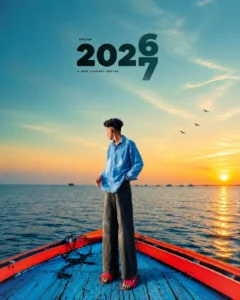
IMAGE 1 MASTER DEMO/TEMPLATE. IMAGE 2 = AUDIENCE PHOTO. First deeply analyze both images. Treat Image 1 only as the visual blueprint: use its actual background/environment, composition, subject placement, scale, camera angle, perspective, depth, lighting, atmosphere, colors, shadows and photographic style. Never copy, reuse, duplicate or show the person from Image 1. The final visible person must always be 100% the real person from image 2. Completely remove Image 2's original background before compositing. Remove every unwanted fragment, object, person, wall, room, sky, floor, old shadow and color residue. Create an extremely clean natural cutout around hair strands, ears, hands, fingers, clothing, gaps, legs and feet, with absolutely no halo, outline, jagged edge, transparency or pasted-cutout appearance. Inspect and fix the cutout before placing it into Image 1. Naturally fit Image 2 into Image I's composition. Match the reference camera angle, perspective, depth, scale, framing, lighting, exposure, contrast, color balance and shadows, while allowing small realistic adjustments when necessary. Do not force the exact reference pose; preserve the audience person's natural pose and body direction. If Image 2 is a selfie, half-body, cropped or incomplete, realistically complete only the missing body, hair, hands, feet and clothing needed for a proper full-body result. Keep anatomy, identity and proportions natural. Preserve the audience person's exact face, identity, facial features, hairstyle, natural appearance and recognizable likeness. NEVER generate or replace the face. Preserve the original clothing design, color, pattern and style. If clothing looks old, faded, dusty or dull, naturally restore it to a fresh, clean, newly purchased premium-looking finish without changing its design. Keep Image 1's background, fog, sky, grass, atmosphere and overall visual character mostly unchanged. Make only minor adjustments required for realistic integration. Match feet to the ground with correct perspective, subtle contact shadow and natural grass interaction. Give the subject and clothing the same high-end photographic quality as the environment: clean facial detail, natural skin/hair texture, sharp clothing details and realistic edges even when zoomed in. No plastic skin, excessive beauty, blur, oversharpening, fake texture or Al artifacts. FINAL OUTPUT: exact 4:5 portrait, proper full-body framing, direct 8K-quality detail and realistic iPhone-like photographic finish. Before showing the result, perform a complete final self-check for identity, face, anatomy, clothing, cutout, hair, lighting, color, perspective, scale, depth, grounding, shadows, background preservation and overall realism. Automatically fix every detected issue, then output only the final polished image. The result must look like the audience person was genuinely photographed in Image I's environment-not edited, pasted or Al -generated.
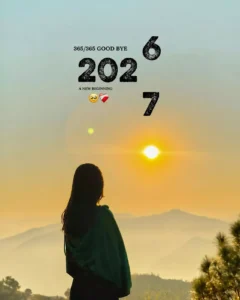
IMAGE 1 = MASTER TEMPLATE, IMAGE 2 = AUDIENCE PHOTO. Current Image1 is the only master reference. Match its subject position, scale, framing, camera angle, perspective, depth, lighting, HD color treatment and atmosphere. Fit Image 2 naturally into the SAME position and scale; never make it unnecessarily larger. Keep Image 1’s background environment unchanged. Apply Image 1’s color, lighting and HD visual treatment naturally to Image 2, while preserving Image 2’s real face, identity, hairstyle and original clothing design/pattern. Completely remove Image 2’s old background with clean hair/clothing edges and no halo or leftover fragments. Follow Image 1’s framing: if both images are half-body, keep the final half-body; if full-body framing is required, complete missing parts naturally without forcing full-body unnecessarily. Preserve natural pose and anatomy.Match ground contact, shadows, perspective and depth so the person looks genuinely photographed there. Preserve all text visible in Image 1 exactly as shown; do not remove, erase, alter or omit any existing text. If Image 1 contains no text, do not create or add any new text yourself. Use current Image 1 only-never carry colors/styles from previous images.DSLR-quality, realistic 8K, exact 9:16 ratio. Self-check position, scale, framing, identity, color, background and realism; fix errors before final output.
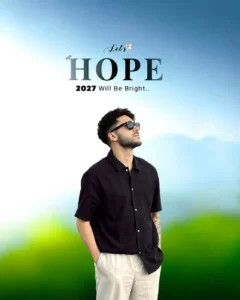
Use my uploaded photo as the exact face and identity reference. Create an ultra-realistic full-body portrait of me sitting stylishly on a luxurious white Chesterfield sofa, with one leg crossed over the other, holding a beautiful bouquet of red roses wrapped in black paper with a red ribbon. Outfit: white oversized shirt, loose black jeans, white sneakers, and a wristwatch. Maintain my exact facial features, hairstyle, and skin tone. Give me a healthy, naturally fit and well-proportioned body NOT skinny or overly slim.Set the scene in a lush green grass field under a dramatic dark blue cloudy sky, with several flying birds in the background. Add bold white distressed typography at the topt: "1/365 WELCOME", large "2027", and "NEW BEGINNING”. Cinematic lighting weıkails photography, sharp details, premium color grading, natural body proportions.
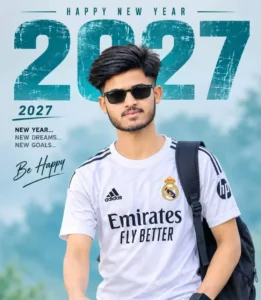
Ultra 16k HD-realistic portrait of A man wearing sunglasses, white Real Madrid T-shirt, blue cargo and left hand black backpack walking confidently across a soft, blurred foreground. The background misty ethereal landscape, dominated by muted teal, blue and light gray tones subject large style text overlay reads "2027" bold, slightly distressed teal font. Smaller text below it says "365/DAYS" and "king_is_love-1m_" in top. Cinematic, highly-detailed, soft lighting, style, new year. Camera angle
How To Create With Happy New Year Ai Photo Editing Prompts
I will tell you. How to prepare such viral photos absolutely free of cost? I will tell you the details to prepare such viral photos absolutely free of cost. How will you be able to prepare through editing details? To prepare them absolutely free of cost, the first thing you have to do is come to our website. Here you have to prepare them by clicking on the best prompt, then you will get the best from the top. Copy it from here and open the chat secret. Paste it here and add a photo from your reference and after adding the reference photo, add a viral video of yours and set the viral photo. Generate it by setting the viral photo. You will be able to prepare your photos in a very simple way and make them viral.