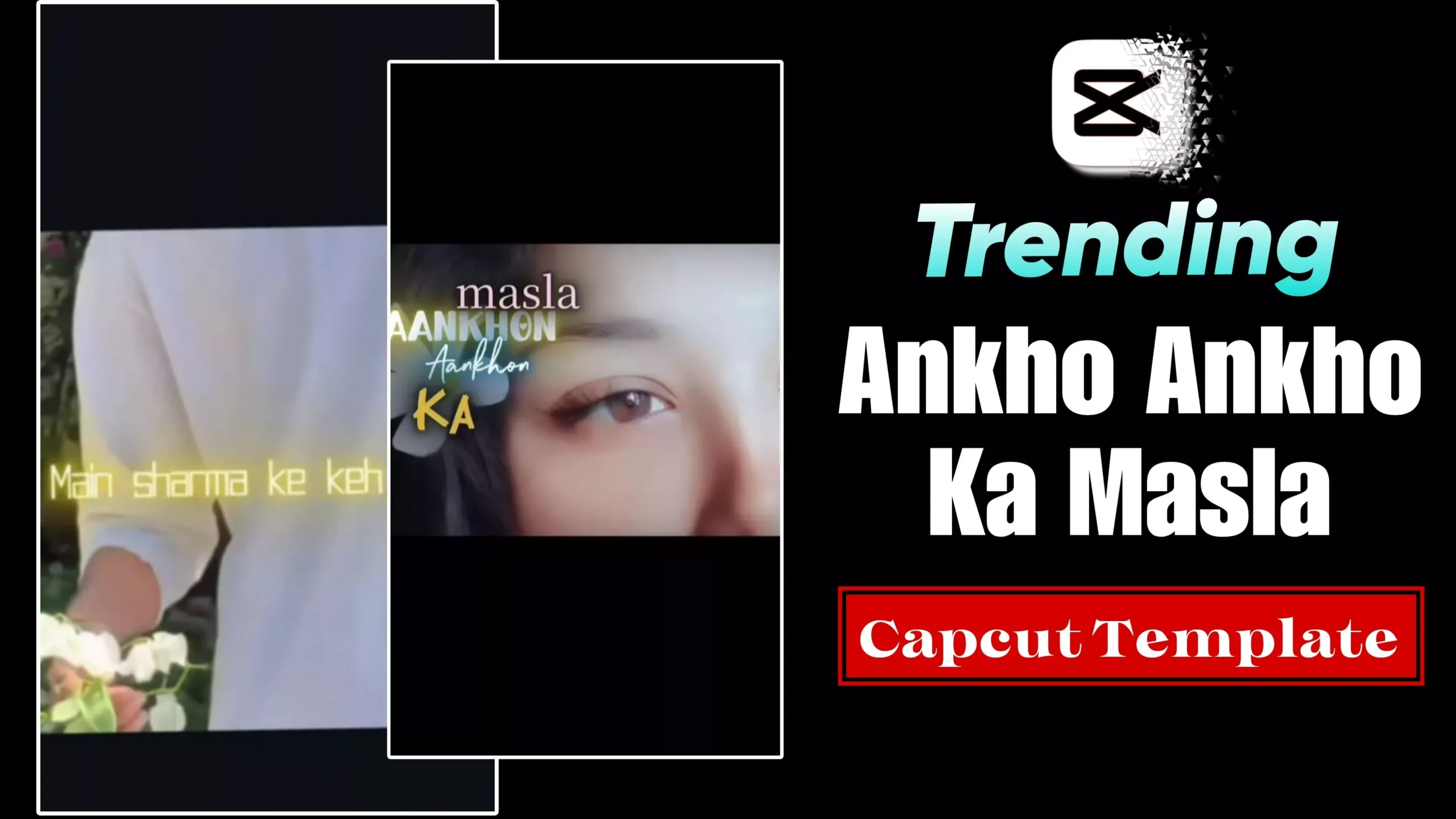
Aankho Aankho Ka Masla Capcut Template – Friends, lately this song has been going viral across social media, and its unique video editing style is gaining immense popularity. However, many people are unsure how to create video edits featuring these specific lyrics or how to edit them with ease. So, if you are also in the dark but wish to create your own video edit using this song, simply follow this article. In this guide, I will teach you how to edit a video for this viral track using a pre-made template, allowing you to create your own automated video edit effortlessly. You will be able to edit this “Aankhon Ka Masla” style video using the template without any strenuous effort—let me show you how.
Details Of Aankho Aankho Ka Masla Capcut Template
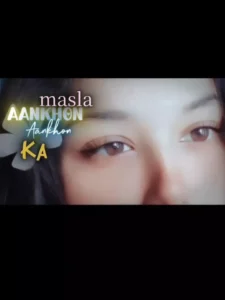
First, let me tell you about this template. You’ll notice that the editing style featured in this template is particularly popular among girls—though, of course, both boys and girls can use it. In this template, the video begins with a sequence of clips featuring various effects—including a “Black Widow” style effect—while the lyrics of the song play in the background. Then, following a transition effect, your own video clip appears; this clip utilizes a slow-motion effect, accompanied once again by the on-screen lyrics. Additionally, an aesthetic filter has been applied to the footage. This specific trend is currently gaining a lot of traction, and people are actively using it to edit their own videos.
How To Use Aankho Aankho Ka Masla Capcut Template
Friends, in this article, I am sharing the link to a template located right below the image. To use this template, you must have CapCut installed on your device. First, install CapCut; then, open the template by clicking the “Check Template” button provided in this article—it will open directly within the CapCut app. You will then see a preview of the template; use the “Use” button located at the bottom to add your own clips, and finally, click “Next” to edit your video. In this way, you can perform automatic editing with the help of this template.
How To Make Video Go Viral?
Friends, if you want to make your videos go viral and aim to grow on social media, you should follow a few specific tips. First, you should always create videos using trending editing styles and share them set to trending songs. Essentially, whenever a new trend emerges or a song goes viral, you should immediately create a video based on it so that you remain relevant within the current trends. Establish a specific schedule for sharing your Reels—either in the morning or around 6 PM in the evening. Furthermore, you must consistently share a new video on a regular basis to ensure that your content continues to appear in the ‘Suggested Content’ section.
Conclusion
So friends, in this way, you too can easily create your own viral video edits; thanks to the use of templates, the editing process becomes even simpler. You can create numerous video edits by utilizing various trending templates. This will be immensely helpful in helping you grow on social media. I hope you enjoyed this article. To learn more unique editing techniques like this, please visit this website—you are sure to learn something new