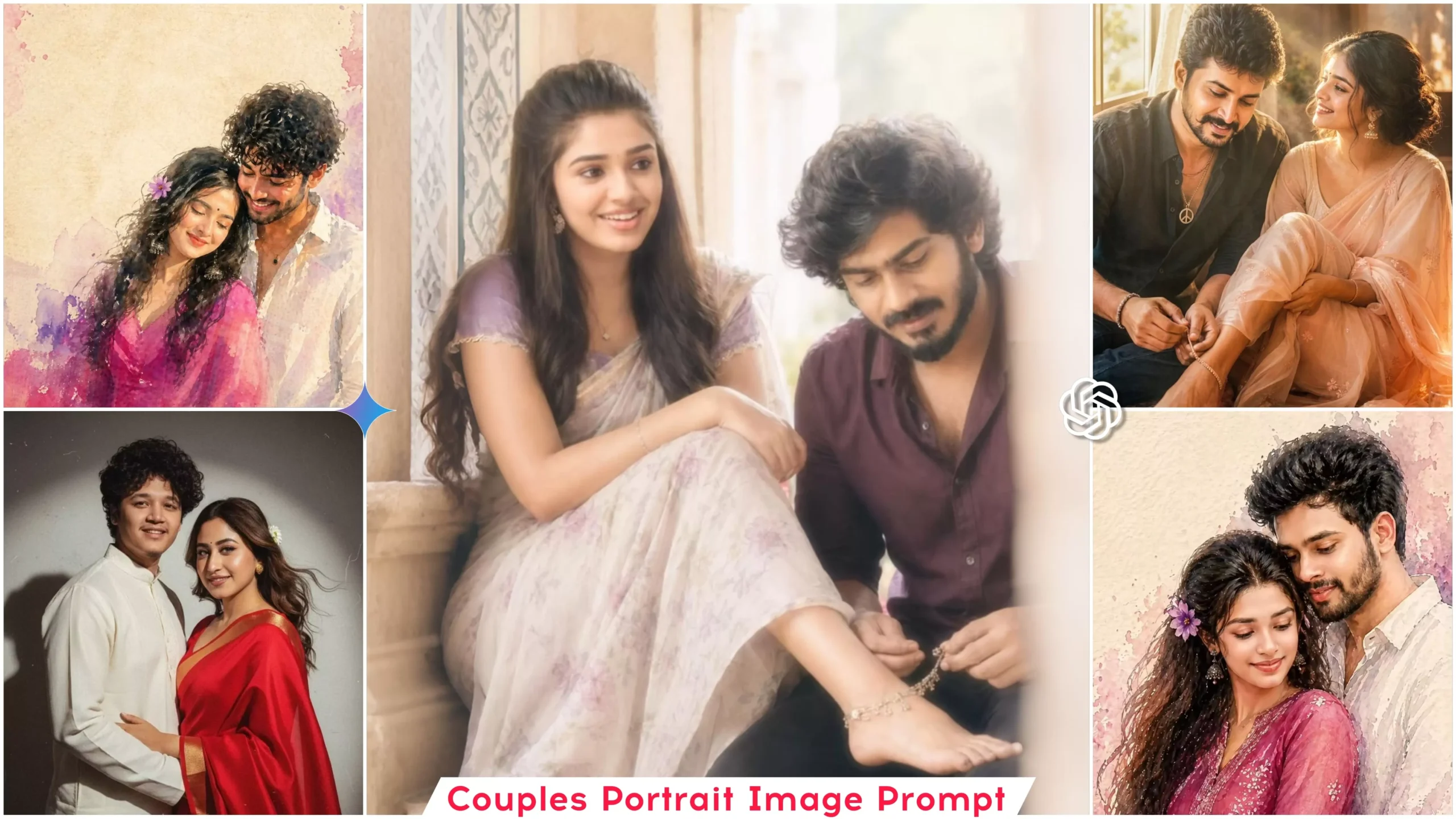
Trending Couple Portrait Ai Photo Editing Prompts – Friends, right now, this style of “soft lighting” couple photo editing is trending massively on social media, and everyone is busy creating their own couple photos using this technique. If you, too, wish to create such viral couple photos, you will need an image prompt; by utilizing this prompt, you can generate your own AI-powered images featuring a romantic couple. So, let me walk you through the process of creating these couple photos in this article.
Details Of Trending Couple Portrait Ai Photo Editing Prompts
As illustrated in this photo edit, the scene depicts a beautiful couple seated by a window inside a home; the woman has placed her feet upon the man’s lap, while he is applying chagal (henna) to her feet. In some variations of this image, he is shown tying a gajra (floral garland) around her feet instead. The atmosphere is distinctly romantic, with sunlight streaming in from behind. The image features soft lighting complemented by subtle color grading, creating a truly aesthetic vibe. To generate this specific photo, you will need a prompt—which I have provided within this article—to help you create the image. Let me explain further in the following paragraphs.
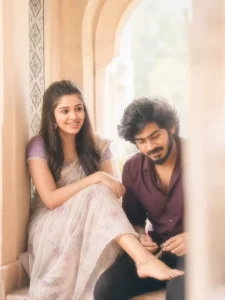
soft low-resolution indoor candid couple portrait with slight blur, grain, and pronounced creamy diffusion glow, high-key bright exposure with lifted whites and soft highlight bloom, warm airy color tone with reduced contrast and gently faded shadows, strong wraparound ambient daylight flooding from the right side combined with soft frontal fill/flash effect to eliminate all harsh shadows, faces fully illuminated with smooth even skin tones and zero dark shadow pockets, subtle halation around bright areas creating a dreamy washed light effect without losing subject visibility, medium shot in 9:16 vertical aspect ratio, framed slightly off-center with a soft right-edge foreground obstruction blur, focal length resembling a compact camera or phone (around 35–50mm equivalent), shallow-to-moderate depth of field with overall softness and glowing haze, scene set in a traditional architectural window alcove with curved arch above and tiled border detail on the left wall, both subjects seated on a built-in ledge facing each other at an angle, female subject on the left sitting sideways with her back lightly against the wall, long straight dark hair falling over her shoulder, wearing a light pastel saree with soft floral patterns and a darker blouse (lavender/purple tone), small traditional earrings, relaxed posture with one leg bent and extended toward the male, her foot resting gently on the male subject’s lap, arms loosely folded over her knee, head slightly tilted toward him, face glowing with soft diffused highlights and no shadow contrast, smiling warmly with soft eyes looking at the male subject, male subject on the right sitting slightly lower or forward on the ledge, body angled toward her, wearing a dark maroon/purple shirt, short hair, slight stubble, head tilted downward with a gentle, shy smile while looking at the pretty Anklets in his hands, his face also evenly lit with bright soft illumination and no deep shadows, holding and arranging a Anklets and partially over her foot, interaction feels intimate and candid, both subjects relaxed and naturally engaged, composition emphasizes diagonal connection between her gaze and his hands, background softly out of focus but still readable, overall image intentionally slightly overexposed with soft glow bloom, mild haze, and no added sharpness, preserve imperfections including slight motion softness and lens diffusion, use the faces from the two uploaded reference images (one for female, one for male), match their identities and skin tones, seamlessly blend onto the bodies, and precisely adjust facial expressions, eye direction, and head positioning to match the described poses while keeping everything else identical to the scene, face and features and personalities should be same as the original image.
How To Create Image In Chatgpt
Friends, to create this image, you need to copy the prompt provided in the article; then, open the ChatGPT application. Paste the copied prompt, and use the plus icon to add images of both yourself and your partner. Since this involves couple-style editing, you will require two photographs. Once you have added both photos, click the “Generate” button and wait; within moments, a realistic image will be created featuring the faces of both you and your partner.
Conclusion
Friends, in this way, you can easily create a romantic, viral couple photo edit. You should definitely give this trend a try; you are sure to get great results. I have shared even more prompts for trending photo edits on this website, so feel free to check those out as well